A portrait session prep guide is a short, branded document you send after the client books: what to wear, where to park, when to arrive, how long the session runs, and what happens to the photos afterward. Send it once the contract and retainer clear, then again 48 hours before the shoot as a reminder, and put it in your client portal so they can reopen it later.
If you have never done this, the good news is that how to send a prep guide to portrait clients takes about fifteen minutes per session once the template exists. Most of the work is deciding what goes in and choosing a delivery method, not writing an email.
What You Need Before You Send Anything
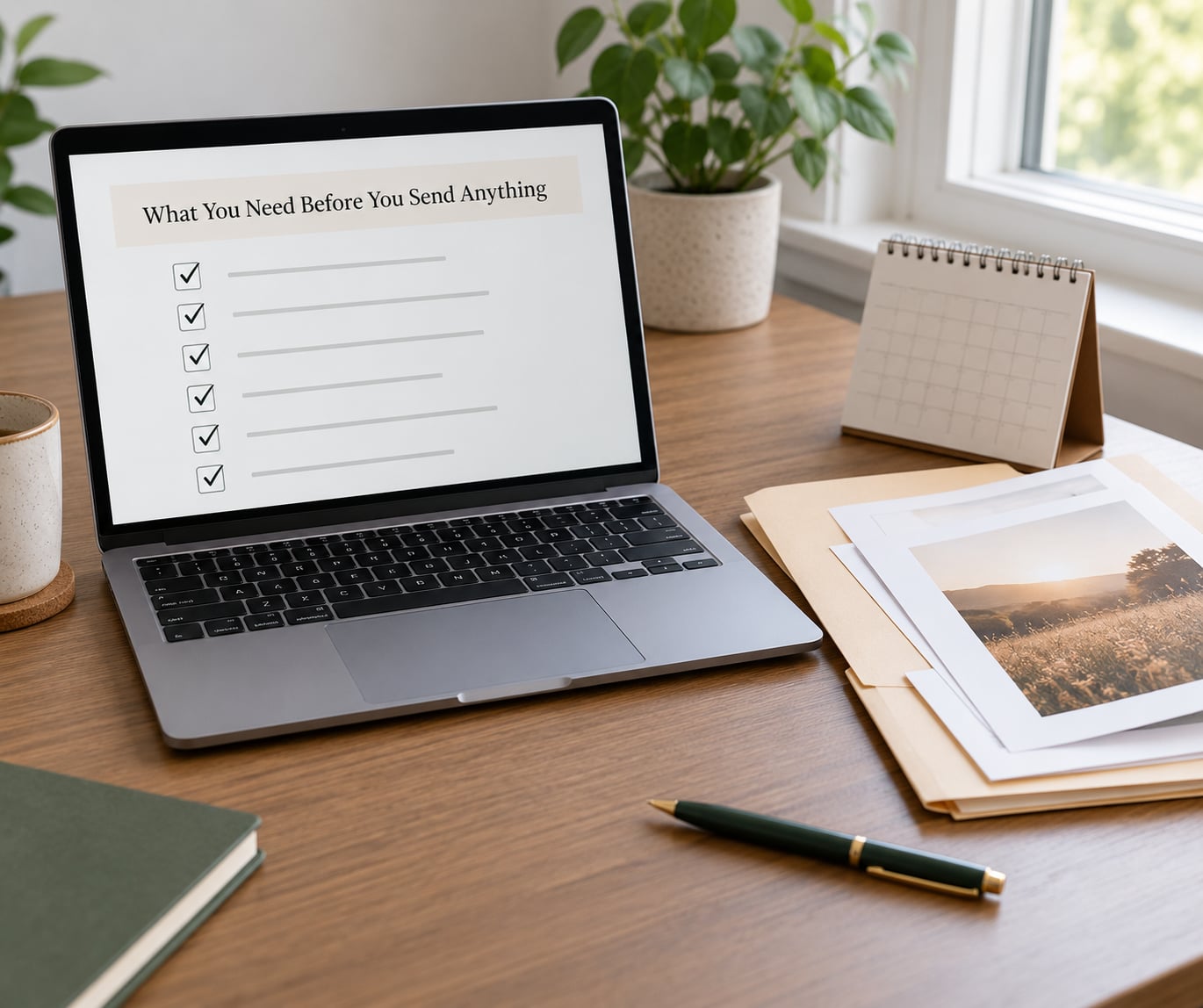
You need four things ready, and none of them take long. If you gather these in order, the actual send takes a couple of minutes.
- The guide itself. A PDF is the safest default, built in Canva or InDesign and exported with images compressed so it opens fast on a phone.
- Session details. Date, start time, duration, exact location, parking or access notes, and a named backup location for outdoor shoots in case of weather.
- Booking context. The session type, the people attending, and any wardrobe direction that only applies to this booking.
- A delivery route. Direct email, a link in your client portal, or both. Decide this once and use the same route for every client.
One optional item pays for itself quickly: a confirmation line asking the client to reply with their outfit choice and whether anyone else is coming. That single reply gives you the information you would otherwise chase by text three days before the shoot.
Step-by-Step: How to Send a Prep Guide to Portrait Clients
How to Format the Prep Guide Before Sending
Format it so a client can absorb it in about four minutes on a phone. Long guides get skimmed, and skipped sections become questions on the day of the session.
Open with a short welcome note in your own voice, then move through five sections: session details, what to wear, what to bring, arrival instructions, and contact details. Keep the type large enough to read without pinching and put one idea per line.
Aim for four to seven pages. Anything past ten and clients disengage, and the parts that matter most get lost in the scroll. If you find yourself writing a full style essay, move the extras into a mood board link.
How to Write the Cover Email
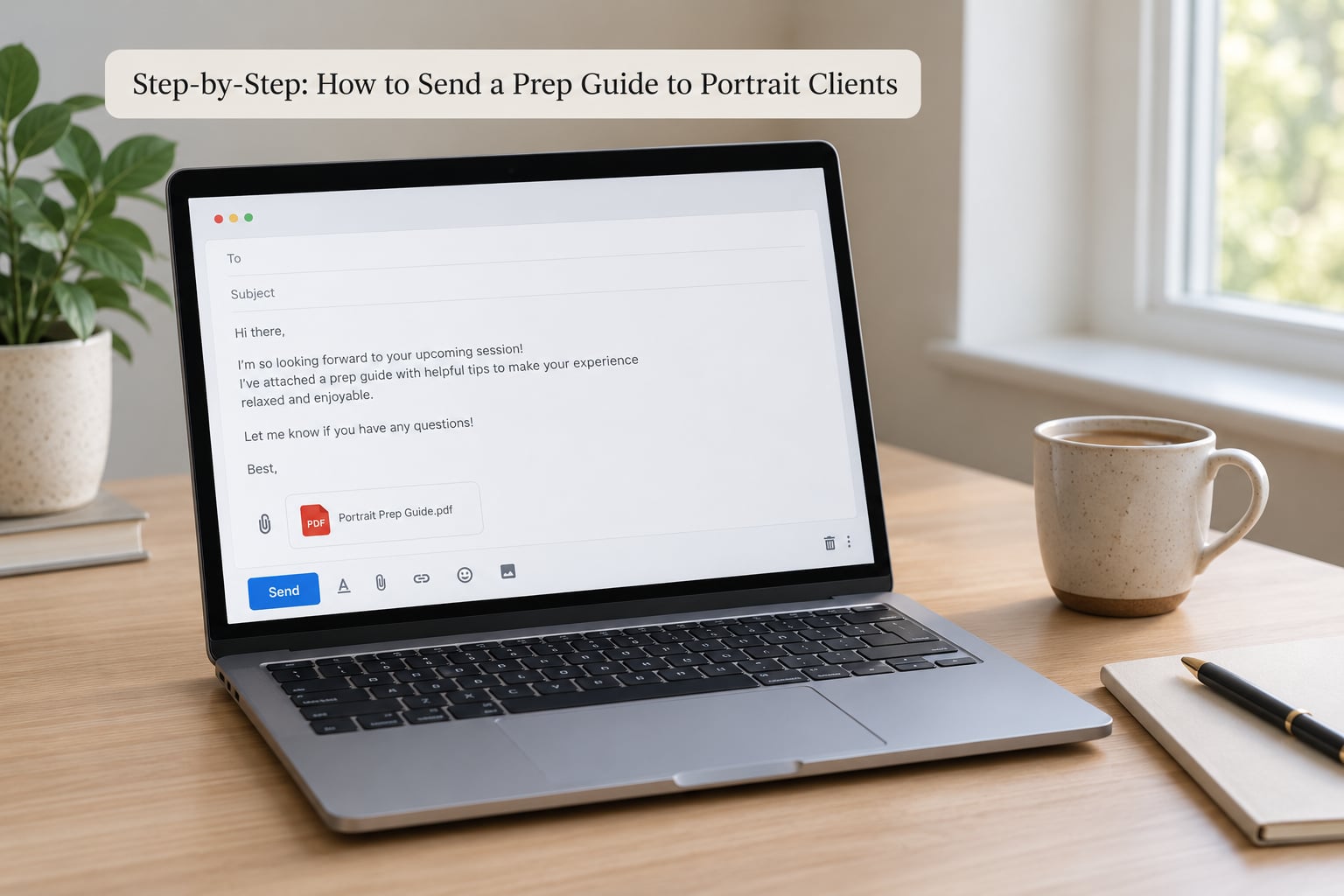
Write five sentences and no more. The email introduces the guide, confirms the session details, says what you would like the client to do, and leaves the door open for questions.
Subject line: name the session, not the document. Prep guide for your portrait session on 14 June beats Important information every time.
Body copy you can adapt:
Hi [first name],
Your portrait session is confirmed for [date] at [time], and I have put together a short prep guide so you know exactly what to expect. It covers what to wear, where to park, and how the session will run. Have a look when you have five minutes and reply with any questions at all. I am here for anything you need.
[your name]
Add one call to action. “Reply with your outfit choice” beats “let me know if you have any questions,” because it asks for something specific a client can actually answer.
How to Attach or Link the Guide to Portrait Clients
Attach a PDF for a read-once document and link to a hosted page when the client needs a login, an updated version, or somewhere to return months later. There is no universally better option; it depends on whether the guide has to be found again.
- PDF attachment. Best for short, read-once guides under eight pages. Setup takes minutes, but a client can only re-read it if they save the file themselves.
- Hosted link on your site. Best for branded guides with sections that change often. A few hours of setup once, and the page stays findable as long as you keep it live.
- Client portal file. Best for guides that sit alongside contracts and invoices. Most client management tools include it, and everything lands in one place the client already logs into.
- Cloud drive link. Fine for quick drafts and internal use, with the caveat that permissions can expire without warning.
- Printed copy in a session welcome box. A nice touch for gift clients and session keepsakes, and the only option that costs you something per session.
Whichever route you pick, check three things before hitting send. Export the file at a size that opens on a slow connection, confirm link permissions allow anyone with the URL, and open it on your own phone rather than trusting the desktop preview.
Accessibility matters more than most photographers expect. Clients scroll through these on the train or in a parking lot, so single-column layout and real text beat a page of decorative images.
How to Confirm Delivery and Answer Questions
Confirm receipt without chasing anyone. Around a week out, send a short check-in: the guide is attached again, the details still hold, and one question about the outfit. Then send the 48-hour reminder with the essentials repeated, because most clients skim and forget.
When questions come in, answer them the same way each time. Acknowledge, answer in one line, point back to the relevant section of the guide. That repetition trains clients to check the document first, which is where the calmer sessions come from.
If someone arrives in the wrong outfit or ten minutes late, mention your expectations policy briefly rather than making it a confrontation. State it once, warmly, and move on to the photographs.
Common Mistakes That Undermine a Prep Guide
Sending it too late. A guide that lands the night before gives someone no time to source an outfit or coordinate kids. Send the first version right after the retainer clears and the reminder 48 hours out.
Burying it in the email. If the guide is a small attachment under four lines of text, it gets missed. Say in the first sentence what is attached and why it matters.
Sending an unbranded raw file. A plain document or a bare cloud link reads as unfinished work and quietly undercuts your pricing. Use your logo, your colours, your type.
Cramming twenty pages in. Length is not generosity. Cut anything that does not change what the client does on the day.
Forgetting the logistics. Parking, door codes, building access, and which entrance to use are the details clients stress about most, and they are the ones most often left out.
Asking for nothing. A guide with no clear next step gets acknowledged and ignored. End every send with one specific action.
One professional tip that costs you nothing: keep the guide at a stable link and update that page instead of re-exporting a new file each time. Fewer versions means you always know which one a client is looking at when they ask a question three weeks later.
Frequently Asked Questions
When should I send a portrait session prep guide to my client?
Send the full prep guide as soon as the contract and retainer clear, so there is time to plan outfits and coordinate schedules. Then send a short reminder 48 hours before the session with the date, time, location, and arrival instruction repeated. Many photographers also resend the whole guide a week out, which is the point where logistics questions start appearing.
Should I send a prep guide as a PDF attachment or a link?
Attach a PDF when the guide is short, read once, and under about eight pages. Use a hosted link or client portal when the guide needs a login, changes often, or has to be findable months later. Whichever you choose, keep the wording and design identical so clients see one consistent document.
How long should a client prep guide be?
Four to seven pages is the range most photographers land on. Long enough to cover session details, wardrobe direction, arrival instructions, and what happens after, short enough to read on a phone in one sitting. Past ten pages, clients skim and the instructions that matter most get skipped.
Do clients actually read the prep guide?
Most do read it, but many skim, and the ones who skim read the arrival instructions and the wardrobe section first. That is exactly why those details belong at the top. Sending a short confirmation reply asking for their outfit choice is the fastest way to find out whether it landed.
What do I put in a portrait session welcome guide?
A short welcome note, the session date, time and exact location with parking or access notes, what to wear, what to bring, how long the session runs, your communication policy, and one clear action for the client. Add an inspiration gallery only if it helps them decide, not as filler.
What if my clients ignore the prep guide?
Do not chase them. Ask once, in a friendly note a few days out, whether anything in the guide is unclear and what they are planning to wear. That single question catches most problems before the session. If someone arrives unprepared anyway, mention your expectations policy once, calmly, and put your energy into the photographs.
Conclusion
Pick one delivery method today, build the guide from your last three sessions so it contains only what you actually need to say, and send it to your next booking with a short personal note attached. One guide, one link, one clear ask is the whole workflow.