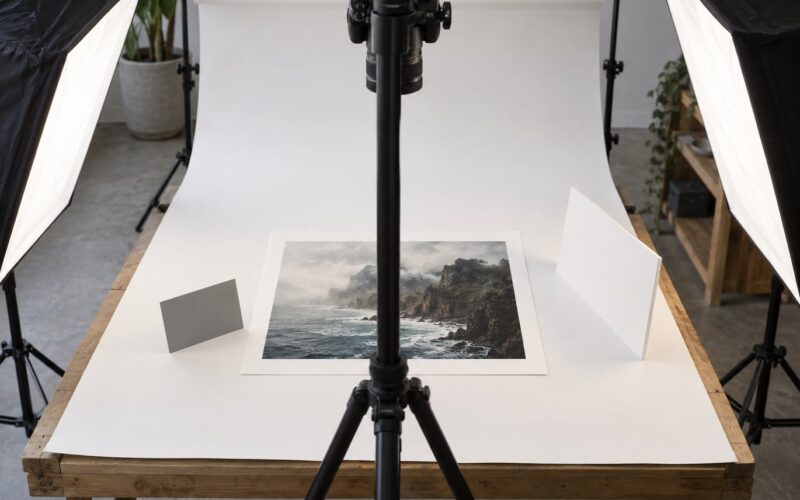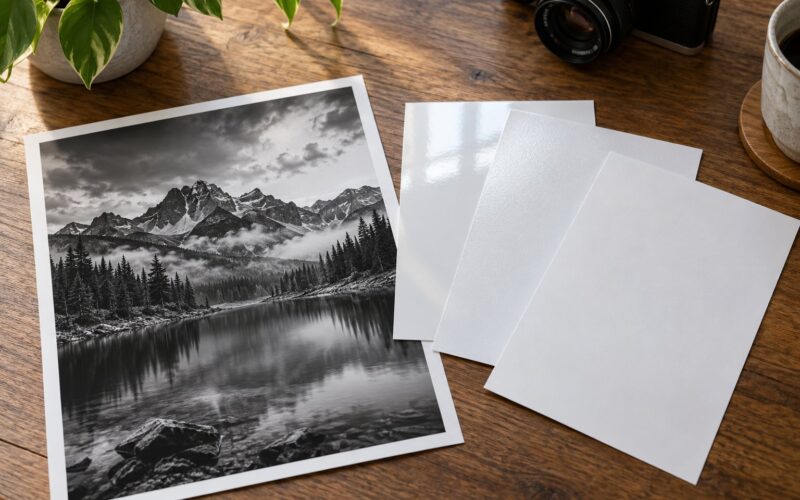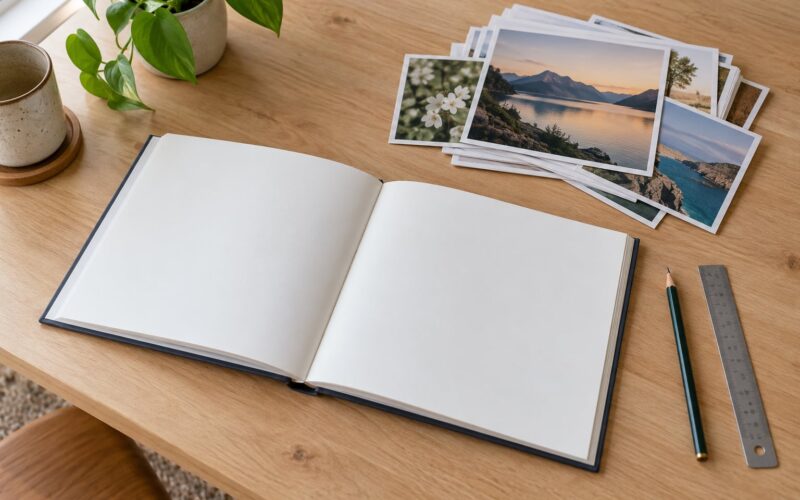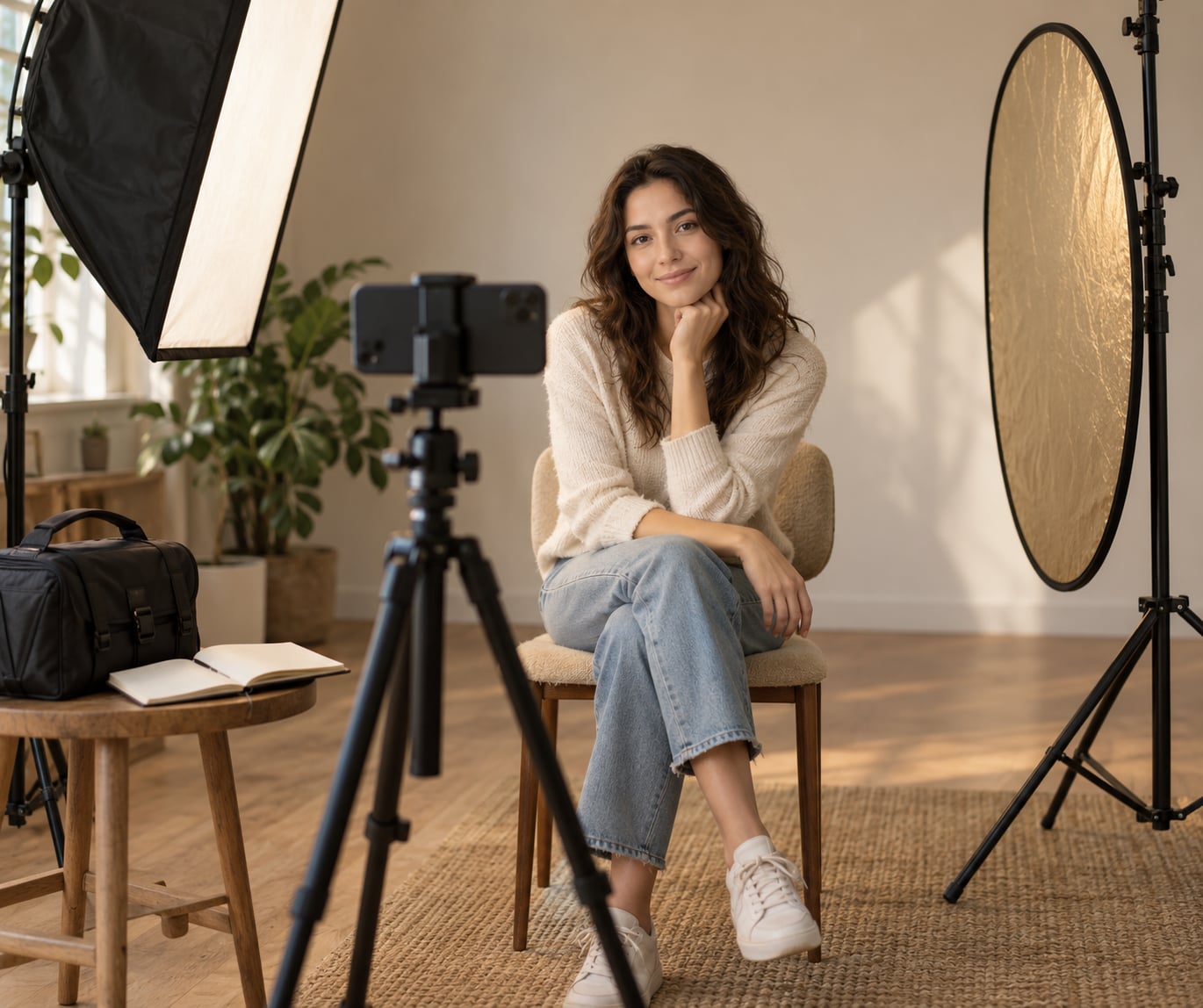
Learning how to use a phone for behind the scenes content is mostly a planning problem, not a gear problem. A recent smartphone, a short shot list written before the shoot starts, and one clip of usable audio will carry you much further than a camera upgrade. The best behind-the-scenes footage comes from the pauses nobody is performing for: the setup, the third adjustment, the moment a shot finally clicks.
A BTS shot is any clip that shows how the work got made — the setup, the gear, the decisions, the problems and the fixes behind a finished photo, video, shoot or product — rather than the finished result itself. One clip of someone repositioning a light for the fourth time is a BTS shot. So is a timelapse of a backdrop going up.
Here is the workflow I use, and the one I wish someone had handed me before my first ten client shoots.
Table of Contents
- What You Need
- Step-by-Step
- Common Mistakes
- Frequently Asked Questions
- How do I film behind the scenes without getting in the way of the shoot?
- What is the best way to record audio on a phone for a BTS video?
- Do I need a tripod or gimbal to shoot BTS video on a phone?
- Which editing app is best for cutting a behind-the-scenes video?
- How long should a behind-the-scenes video be?
- What is the difference between BTS footage and a finished project video?
What You Need
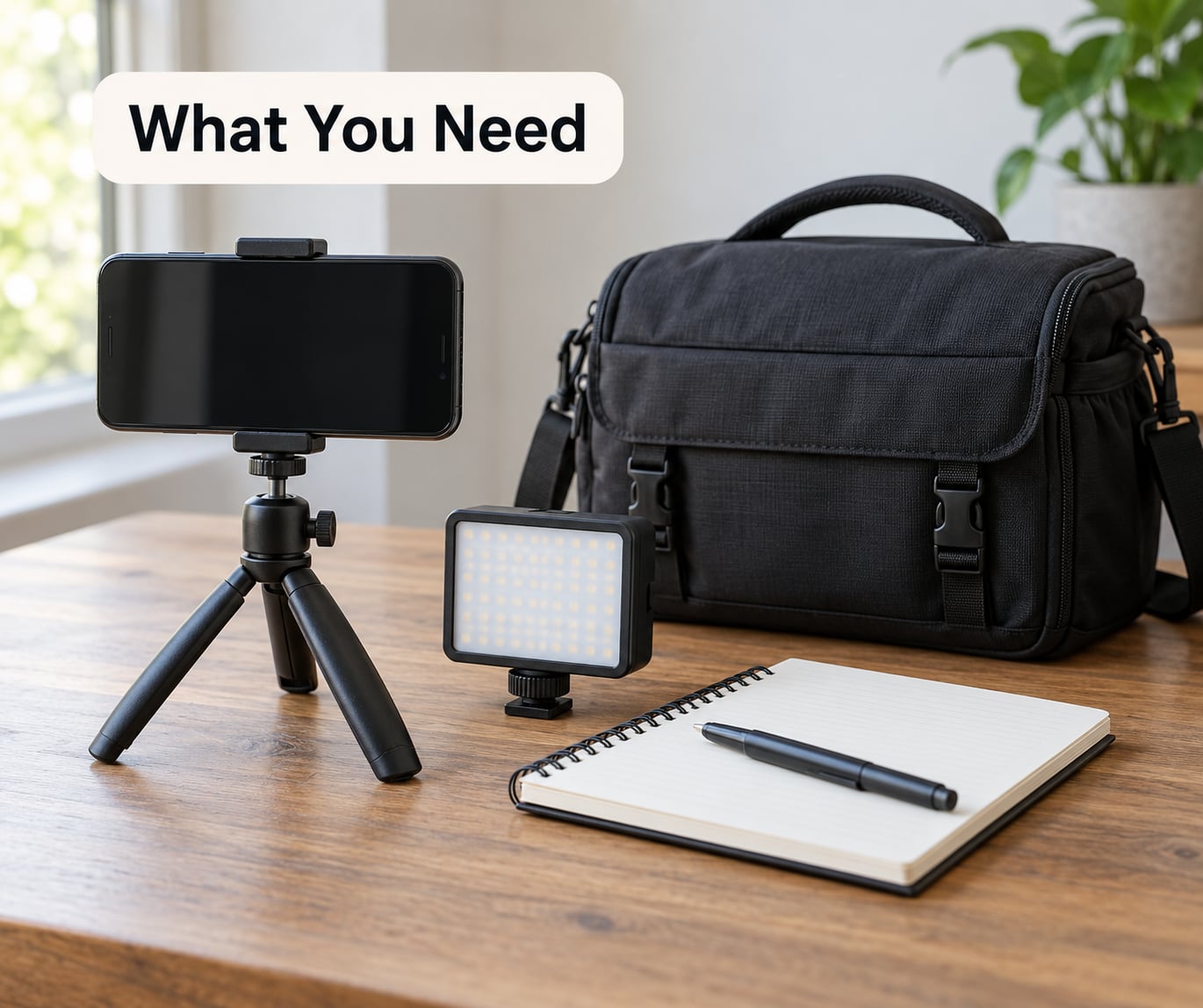
You need four things: a phone, a way to keep it steady, a way to hold sound, and a plan. Everything else is optional, and buying accessories before you know what you shoot is how people end up with a drawer full of unused gear.
A phone you already own will do. Video quality on current phones is good enough for social delivery in almost every case, and the weak spots are predictable — highlights clipping in harsh sun, shadows going noisy indoors, and a built-in microphone that turns a busy room into a wall of noise. Plan around those three and you are ahead of most phone footage online.
For stability, a small tabletop or flexible-leg tripod covers wide and time-lapse work while your hands stay free. A two-handed grip with elbows tucked against your ribs is genuinely enough for short moving clips. A gimbal only earns its place once you are walking and talking at the same time.
For sound, a wired or wireless lavalier microphone clipped near the subject does more for how professional your BTS video feels than any camera change. Add a fuzzy windscreen whenever you are outdoors or near air conditioning, fans or traffic. Reviewers and working photographers consistently point to audio as the first thing that gives phone footage away.
Planning materials are unglamorous and essential: a note on your phone with the shot list, a small notebook for details that only make sense in the edit, and a clapperboard or a hand clap if you will be shooting with two phones and need to sync the audio.
For editing, the free editors bundled with current phones handle a BTS cut fine. CapCut, iMovie and DaVinci Resolve cover everything from caption burn-in to multi-angle sync, and you can move to paid software later once you know which step actually slows you down.
| Gear | What it solves | Optional? |
|---|---|---|
| Phone with recent camera app | Capture, 4K or 1080p video | Required |
| Small tripod or flexible legs | Wide shots, timelapses, no shake | Strongly recommended |
| Wired or wireless lavalier mic | Speech you can actually hear | Strongly recommended |
| Fuzzy windscreen | Wind and handling noise outdoors | Recommended outdoors |
| Compact LED light | Detail shots indoors after dark | Optional |
| Second phone or 360 camera | Second angle and reframing in post | Optional |
| Shot list in your notes | Coverage instead of random clips | Required |
Step-by-Step
Plan the Story Before You Film
Write one sentence about what the finished piece is and one about why it was hard. If you cannot write the second sentence, the shoot has no BTS story yet, and whatever you record will be an unwatchable pile of clips. The story usually looks like: we wanted X, it kept going wrong, here is what fixed it.
Pick one audience. A prospective client wants reassurance that you are organised and easy to work with. Another photographer wants the technical breakdown. A follower wants a personality-driven story. Three audiences in one video means three videos, and most people only have energy for one.
Then draft the sequence in beginning, middle, end order: the goal, the struggle, the fix, the payoff. From that, pull a shot list of eight to twelve specific captures, each written as an action rather than a noun — “wide of the empty studio before the lights go on” rather than “wide shot”.
You know the plan worked when you can rebuild the story from your notes alone, without looking at the footage.
Set Up the Phone for Stable, Clean Footage
Shoot in 4K at 30fps if your storage allows, and drop to 1080p at 60fps only when you want slow motion. 30fps gives you cleaner movement and better low light; 60fps halves your light per frame and doubles your file size. High frame rates are for slow-motion detail shots, not for the whole video.
Turn on stabilisation if your phone offers it, but keep in mind it crops into the frame and smooths out at the edges when you move quickly. Walking shots work better stabilised. Static shots look better with it off, since locking a tripod on a tripod is more reliable than any software.
Lock exposure and focus before you record. On most phones, long-press the screen to lock exposure and focus, which stops the whole clip from brightening and darkening as lights get switched around. Lock it slightly darker than the brightest part of your scene so highlights keep detail instead of going white.
Shoot a five-second test clip before anything else and check it back at full brightness. If the test is unusable, fix the light or the position now rather than after two hours of shooting. Set the phone to airplane mode while recording so no notification vibrates into your audio track, and check that you have several gigabytes of storage free.
Capture the Moments Between the Main Moments
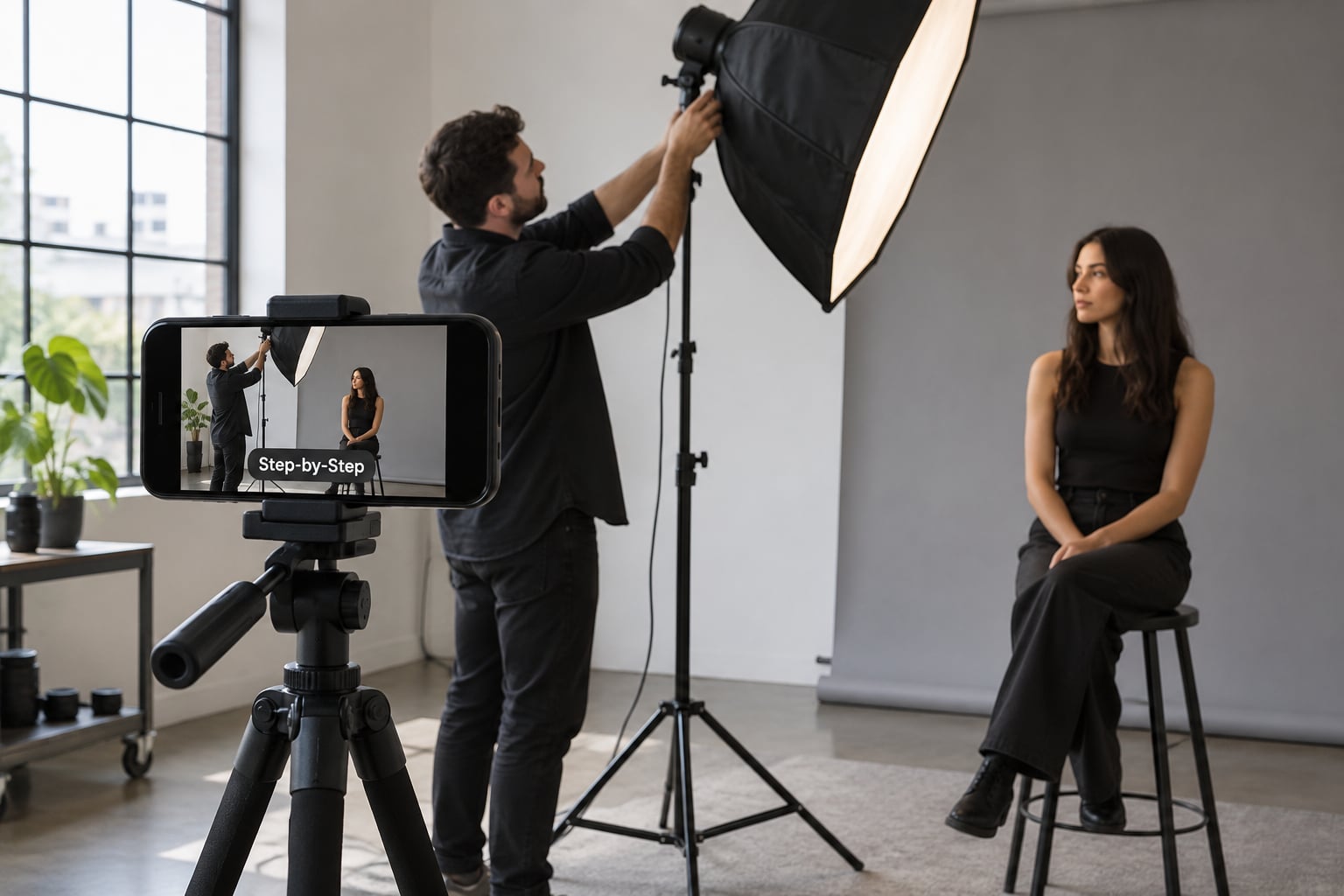
Behind-the-scenes footage lives between the shots that matter for the client: the waiting, the fixing, the checking, the small talk, the detail work. Film those deliberately and you have a story. Here is the shot list I keep for a portrait or product session:
- The empty location before anyone arrives.
- A wide of the full setup from the back of the room.
- A wide of the subject or product in the finished scene.
- Hands adjusting a light, a reflector or a backdrop.
- A close-up of the gear: lens, light, tether screen, cables.
- The screen of your main camera as you review a frame.
- A point-of-view shot walking in with the camera.
- A timelapse of setup or of the shoot running.
- A short line to camera about the goal or the problem.
- A reaction: the moment something goes wrong, said out loud.
- A detail of textures, hands, prints or materials.
- A match cut: the BTS clip followed by the finished photo or video.
Get one wide, one medium and one detail of anything that matters before you move on. Forum threads about shooting BTS on your own sessions keep returning to the same idea: an unattended camera on a stand to one side, framing wide so you can reframe everything in the edit, beats a second camera you have to hold and manage.
Two phones is also workable. Frame both, clap once at the start of the take, and the audio peaks line up in most editors. That one habit is the entire workflow for multi-angle phone coverage.
Record Clear Narration and Ambient Sound
Built-in phone microphones record handling noise, wind, room tone and whatever else is happening six feet away, which is why phone BTS videos are often unwatchable despite decent picture. If anyone is talking, get the microphone within about a foot of them and cover it.
Do not narrate over a busy shoot while also trying to film it. Two clean options work far better: record a short voiceover afterwards while you remember the detail, or film a deliberate line to camera at a quiet moment. Ambient sound — the hum of a strobe, a location changing, rain starting — is worth capturing separately too, because it becomes the bed your edit sits on.
Ask permission before you film people working, and get a signed release from anyone recognizable before you publish client work. Clients have watched behind-the-scenes videos of their own shoots go out without being asked, and it does not go well.
Edit for Pace, Clarity, and Authenticity
Cut in this order: select your clips, remove dead space, add captions, fix exposure and colour, then add music. Working in that sequence means you judge the story on clean footage instead of on a beat that hides a bad clip.
For structure, three beats carry most BTS videos: setup, process, payoff. The opening five seconds should show the finished result or state the goal, so people know what they are watching. The middle shows the problem and the work. The end shows the fix and points to the finished piece.
Keep clips short. Two to four seconds for a cutaway, longer only when someone is speaking or doing something that takes time. Cut on movement rather than on pauses. Leave in a small mistake if it is funny or honest, since over-edited BTS reads like an advert and viewers shut it off.
For music, use tracks your editing app has cleared for social use, or check the licence terms before posting. Captions matter more than most people expect, since many viewers start muted, and they also cover you when the ambient audio is rough.
Publish With a Clear Caption and Call to Action
A caption should say what happened, name the work, and add one piece of context the video does not show: the location, the constraint, the client. Something like “Two lights, one small room, and a stubborn shadow — here is how we fixed it for the autumn campaign” gives a stranger a reason to keep watching.
Choose a thumbnail that shows the setup or the before-and-after rather than a mid-shoot frame, and write on-screen text that works when someone cannot hear anything.
Length depends entirely on where it goes. Reels, TikTok and Shorts reward a tight, vertical edit; YouTube and client-facing videos can run longer.
| Platform | Working length | Format |
|---|---|---|
| Instagram Reels | 15 to 30 seconds | Vertical, hook in the first two seconds |
| TikTok | 15 to 45 seconds | Vertical, text-led |
| YouTube Shorts | 20 to 45 seconds | Vertical, clear payoff |
| YouTube long form | 3 to 8 minutes | Horizontal, setup and breakdown |
| 30 to 90 seconds | Vertical or square, process focus |
One shoot should produce more than one asset. Pull a vertical cut of the setup, a static detail clip for stories, a photo carousel from the same BTS stills, and one horizontal version for the client. You already filmed everything.
End with a clear call to action: see the finished photo, watch the full video, or follow for the breakdown series.
Common Mistakes
Filming only the finished result. A video of the final image with music over it is not behind-the-scenes content. Fix it by opening with the result and spending most of the runtime on how you got there.
Recording without a shot list. You end up with forty random clips and no story. Fix it by writing eight to twelve specific actions before the shoot and ticking them off.
Shaky or wrongly exposed footage. Fix both before you shoot: clean the lens, lock exposure and focus, and shoot a five-second test you review immediately.
Unusable sound. The most common flaw in phone BTS video. Fix it by getting a lavalier microphone close to whoever is speaking and adding a windscreen outdoors.
Editing everything to the beat. Fast cuts on every half-beat make a BTS video feel like an advert. Fix it by keeping long takes on real moments and cutting only the dead space.
Missing context. Nobody watching knows what the project was or who it was for. Fix it with one caption sentence naming the work and the constraint.
Distracting transitions. Swirls, zooms and template effects pull attention off the process. Fix it by cutting clean and using captions instead.
Getting in the way of the shoot. Ask permission, agree on one or two angles, keep the phone off the talent line, and stay quiet during the frames that matter.
Frequently Asked Questions
How do I film behind the scenes without getting in the way of the shoot?
Agree on your angles before the first frame is taken, then stay at one fixed spot for each take instead of chasing the action. Keep the phone out of the talent line and off any light path, film wide so you can crop in later, and stay quiet during the moments that matter. Asking first, briefly, solves most of the tension. Check with the client before publishing, and get a release from anyone recognizable.
What is the best way to record audio on a phone for a BTS video?
Get a wired or wireless lavalier microphone as close to the speaker as possible and cover it with a windscreen when you are outdoors. Built-in phone microphones pick up handling noise, wind, room tone and conversation from several feet away, so they suit ambience far better than speech. If nobody is talking, record room tone separately, since that ambient bed makes the edit feel much more natural.
Do I need a tripod or gimbal to shoot BTS video on a phone?
A tripod is worth having and a gimbal usually is not. A small tripod handles wide shots, time-lapses and any clip where you need both hands, while a two-handed grip with elbows tucked in works for short moving clips. Gimbals only pay off when you walk and talk at the same time. If you can only buy one accessory, spend it on the microphone instead.
Which editing app is best for cutting a behind-the-scenes video?
The editor already on your phone handles captions, cuts and music for a short BTS video, so start there and move only when it slows you down. CapCut, iMovie and DaVinci Resolve are the common next steps, covering burn-in captions, multi-angle sync and basic colour correction. Whichever you pick, cut the dead space out before adding music or effects.
How long should a behind-the-scenes video be?
Short vertical cuts of 15 to 45 seconds work best for Reels, TikTok and Shorts, because the first two seconds decide whether people stay. YouTube and client-facing videos can run three to eight minutes when you are explaining a setup. The stronger rule is to cut the moment the story finishes rather than padding to a target length, and to hook viewers with the result in the opening seconds.
What is the difference between BTS footage and a finished project video?
Finished project video is the deliverable: the polished film, photographs or campaign the client paid for. Behind-the-scenes footage shows the making of it, including the setup, the problems and the decisions. The two often come from the same session, but they need different edits. BTS leans on honest process and imperfection, while a finished piece stays clean, tight and on brand.
Start with the next shoot you have already booked. Write your eight-to-twelve item shot list, pack one lavalier microphone and a small tripod, and capture the wide, the detail and one short line to camera before the real work begins. That is enough to turn every session into behind-the-scenes content that uses a phone instead of a second camera.